Well, a client of mine had attempted to create his own website for nearly three weeks and he came to me a few months ago. He learned everything on Youtube, enrolled into two different website builders, and still created a home page which looked great for his laptop but totally fell apart on mobile. He looked up at me said, “Just tell me the best website builder so I can stop wasting time.
I wish the answer could be boiled down to something as simple as a single platform and in with it. I have built client websites, eCommerce stores, Blogs, Portfolio sites, Landing Pages and business Websites for years now and I can tell you this: The best website builder depends on what you want to build but some completely make my life easier than others.
Pretty much every platform under the sun, from WordPress, to Wix, Squarespace, Shopify, Webflow, Framer and Elementor–as well as a few builders most people have never heard of. Some are great for beginners. Some are amazing for designers. Some are built to be used by online stores. And some sound great until you go to scale a real business.
What Is the Best Website Builder?
If I had to choose one website builder for most people, I’d choose WordPress. Not because it’s trendy. Not because it’s free. Because it gives me the most control, the best SEO flexibility, thousands of integrations, and room to grow. But I wouldn’t recommend WordPress to everyone.
For example:
- WordPress: Best overall for blogs, businesses, SEO, and long-term growth.
- Shopify: Best for eCommerce stores.
- Wix: Best for beginners who want something simple.
- Squarespace: Best for portfolios, photographers, and creative businesses.
- Webflow: Best for designers and custom layouts.
- Framer: Best for modern landing pages and startup websites.
The interesting part is why these builders make development easier.
What Actually Makes a Website Builder Good?
When I build websites, I’m not only thinking about how the homepage looks.
I’m thinking about:
- Page speed
- Mobile responsiveness
- SEO
- Security
- Hosting
- Backups
- Customization
- Client editing
- Future growth
- Plugin compatibility
- Performance under traffic
A website builder can look beautiful and still become a nightmare six months later when the business needs online payments, booking forms, multilingual support, or better search rankings. That’s the part most comparison articles don’t talk about.
Why I Keep Coming Back to WordPress
I’ve probably built more websites with WordPress than with every other builder combined. The biggest advantage is flexibility.
If a client asks me:
- Can we add online booking?
- Can we sell products?
- Can we add memberships?
- Can we create a blog?
- Can we optimize SEO?
- Can we connect CRM software?
- Can we create landing pages?
The answer is almost always yes. With builders like Elementor or the WordPress block editor, I can design pages visually while still having access to custom code whenever I need it. That combination is hard to beat.
What makes my work easier:
- Thousands of plugins
- Complete control over URLs
- Excellent SEO tools
- Fast hosting options
- Easy content management
- Strong blogging features
- Ability to customize almost everything
For clients who care about Google rankings, WordPress is usually where I start.

Shopify Is the One I Use for Serious Online Stores
If someone tells me they want to sell products online, I usually stop comparing builders and start talking about Shopify. Because Shopify is built specifically for eCommerce.
It handles:
- Inventory
- Payments
- Shipping
- Taxes
- Orders
- Product variants
- Discount codes
- Customer accounts
Without a lot of extra setup. I’ve seen people try to force other builders into becoming online stores, and it usually creates more work than necessary. Shopify makes store management surprisingly smooth.
What makes my work easier:
- Reliable checkout
- Secure payment processing
- Excellent app ecosystem
- Mobile-friendly themes
- Fast product management
- Built-in sales tools
For a business that plans to grow beyond a few products, Shopify saves time.
Wix Is Better Than Most Developers Admit
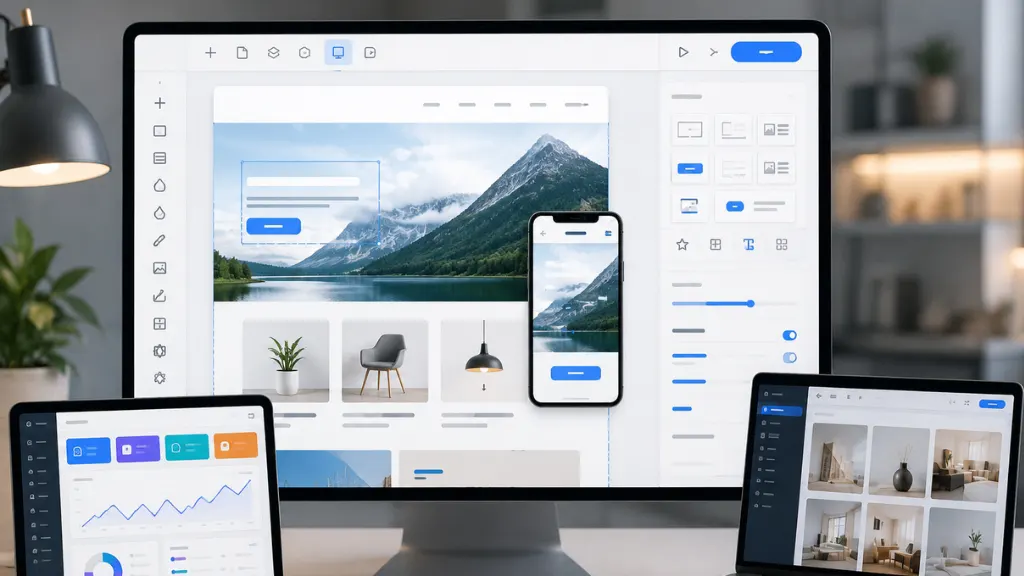
I used to avoid Wix years ago. Honestly, it wasn’t great back then. But Wix has improved a lot. For small businesses that need a website quickly, it can be a very practical option.
I’ve used it for:
- Restaurants
- Local businesses
- Personal websites
- Simple service businesses
The drag-and-drop editor is extremely easy for non-technical clients. After I finish a project, clients can usually update text and images without calling me every week. That alone can make it worth using.
What makes my work easier:
- Very easy editing
- Built-in hosting
- Templates
- Booking tools
- Forms
- Basic SEO settings
I wouldn’t choose Wix for a large content-heavy website, but for a local business that needs a professional online presence, it works well.
Squarespace Makes Beautiful Websites Fast
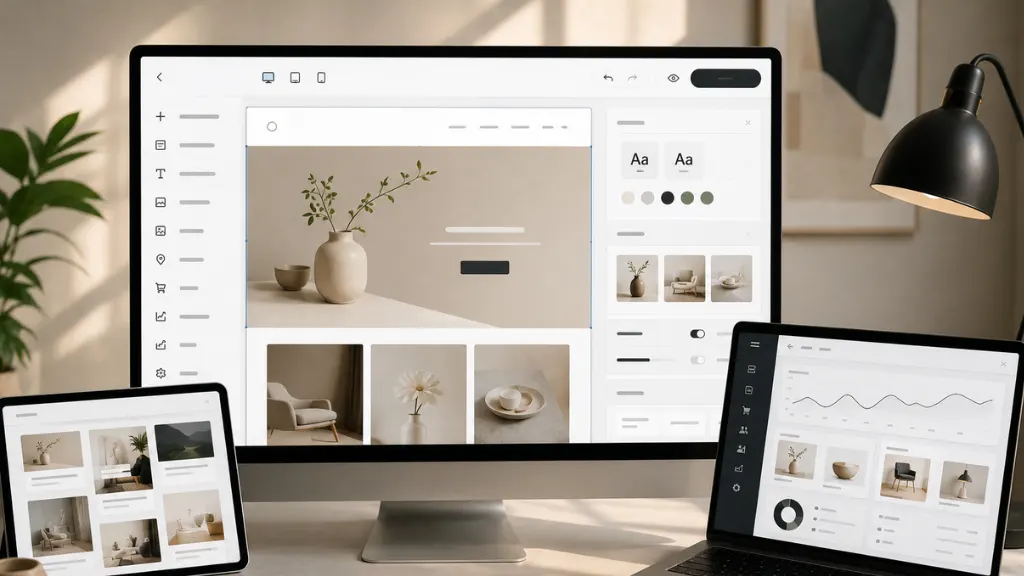
If design is the priority, Squarespace is excellent. Photographers, architects, artists, consultants, and agencies often love it because the templates already look polished. Sometimes I can build a presentation-style website in a single day. The typography, spacing, and image handling are consistently good.
What makes my work easier:
- Excellent templates
- Beautiful image galleries
- Clean typography
- Responsive layouts
- Minimal maintenance
The downside is flexibility.
When a client later wants advanced custom functionality, Squarespace can become limiting.
Webflow Is the Builder That Feels Closest to Professional Front-End Development
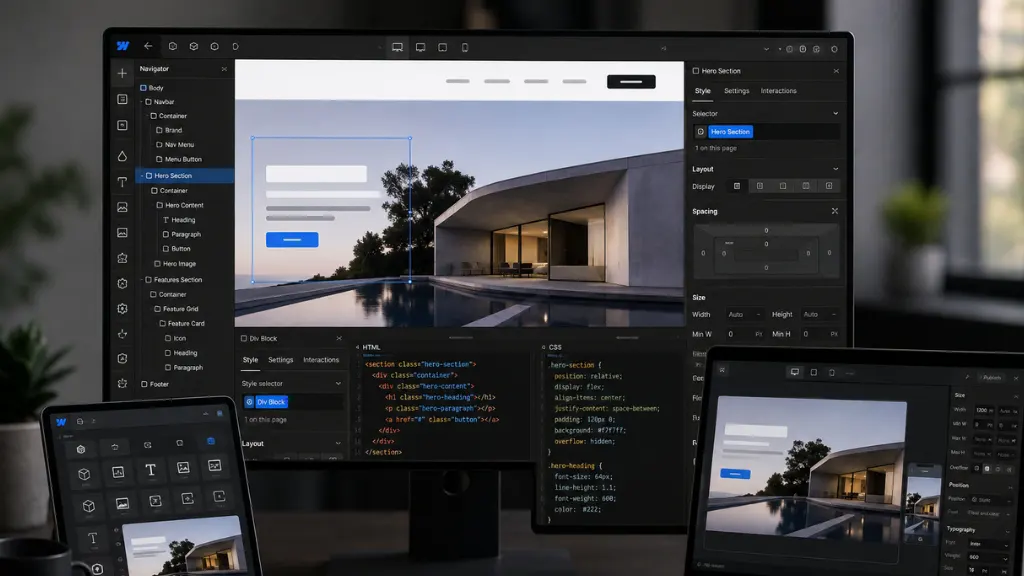
Webflow is interesting because it sits between visual design and actual web development.
When I need:
- Custom layouts
- Advanced animations
- CMS collections
- Pixel-perfect responsiveness
- Cleaner generated code
Webflow becomes incredibly powerful. Designers love it because they can create layouts that would be difficult in most drag-and-drop builders.
What makes my work easier:
- Precise design control
- Responsive breakpoints
- CMS integration
- Animation tools
- Hosting optimization
The learning curve is steeper, though. I usually recommend Webflow when design quality is a major competitive advantage.
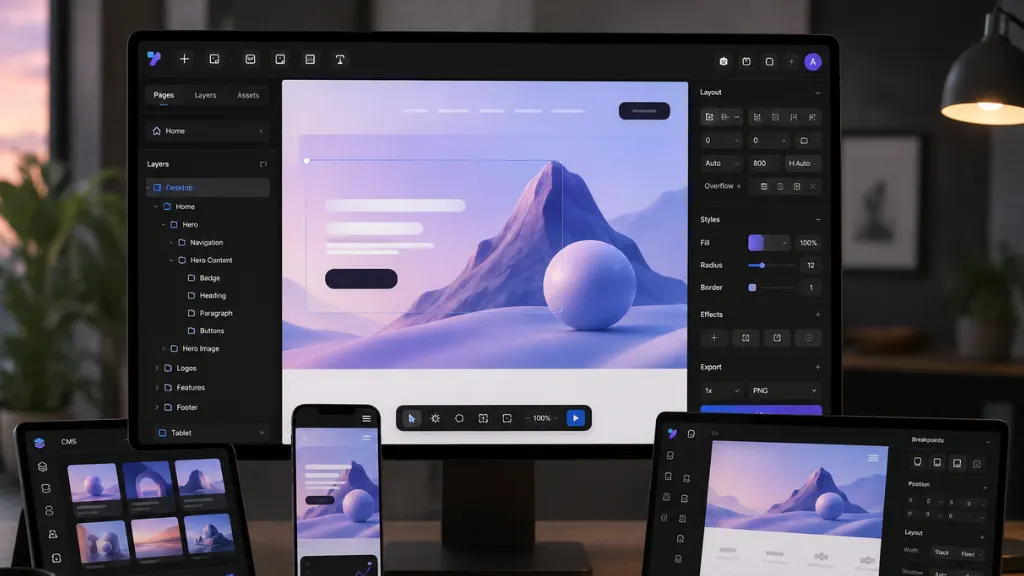
Framer Is Surprisingly Good for Modern Websites
A lot of startup founders are using Framer now, and I understand why. For landing pages, SaaS websites, portfolios, and product launches, it’s incredibly fast. I can prototype, design, and publish quickly without fighting complicated settings.
What makes my work easier:
- Fast publishing
- Excellent animations
- Modern components
- Responsive layouts
- AI-assisted design features
For large websites, I still prefer WordPress or Webflow, but Framer is fantastic for speed.
What Is This Website Built With?
I get this question from clients all the time. They’ll send me a website and ask, “What is this website built with?” The funny part is that experienced developers usually don’t guess immediately. We check.
There are several tools that can identify the technology behind a website, including:
- BuiltWith
- Wappalyzer
- WhatCMS
- Browser developer tools
These tools can often tell whether a site uses:
- WordPress
- Shopify
- Wix
- Squarespace
- Webflow
- Framer
- React
- Next.js
- Elementor
- WooCommerce
I use Wappalyzer frequently because it quickly shows the CMS, hosting platform, analytics tools, frameworks, and plugins running behind a website.
Sometimes clients think a website is custom-built when it’s actually a heavily customized WordPress installation.
The Biggest Mistake I See Beginners Make
People often choose a builder based entirely on the homepage template. That’s almost never the right reason. A better question is: What will this website need one year from now?
If you’re planning:
- Blogging
- SEO
- Content marketing
- Service pages
- Lead generation
- Integrations
- Scalability
WordPress usually wins.
If you’re planning:
- Product sales
- Inventory
- Shipping
- Payments
- Order management
Shopify usually wins.
Choosing the right platform early saves a lot of migration headaches later. I’ve migrated websites from Wix to WordPress, Squarespace to Shopify, Shopify to custom builds, and Webflow to WordPress. Migration is rarely fun.
My Personal Ranking After Years of Building Websites
If I were starting different types of projects today, this is what I’d choose.
Website Type | Builder I’d Use |
Blog | WordPress |
Local business | WordPress or Wix |
Portfolio | Squarespace |
Online store | Shopify |
Agency website | WordPress or Webflow |
Startup landing page | Framer |
SEO-focused website | WordPress |
Custom marketing site | Webflow |
That ranking isn’t based on marketing claims. It’s based on how much time I spend solving problems on each platform.
Conclusion
Now, what is the top website builder? My answer is still, WordPress for the majority of static websites, Shopify for online stores, and Webflow or Framer when design is the number one consideration, worked across quite a few platforms over the last several years.
The prettiest template does not make the best builder. It is the one that allows you to develop quickly, rank easily, load quickly, remain safe and scale without re-building everything in 6 months. Having built a lot of websites over the years, is this is the lesson I have come to learn—and it’s what I tell nearly every client before we start on something.