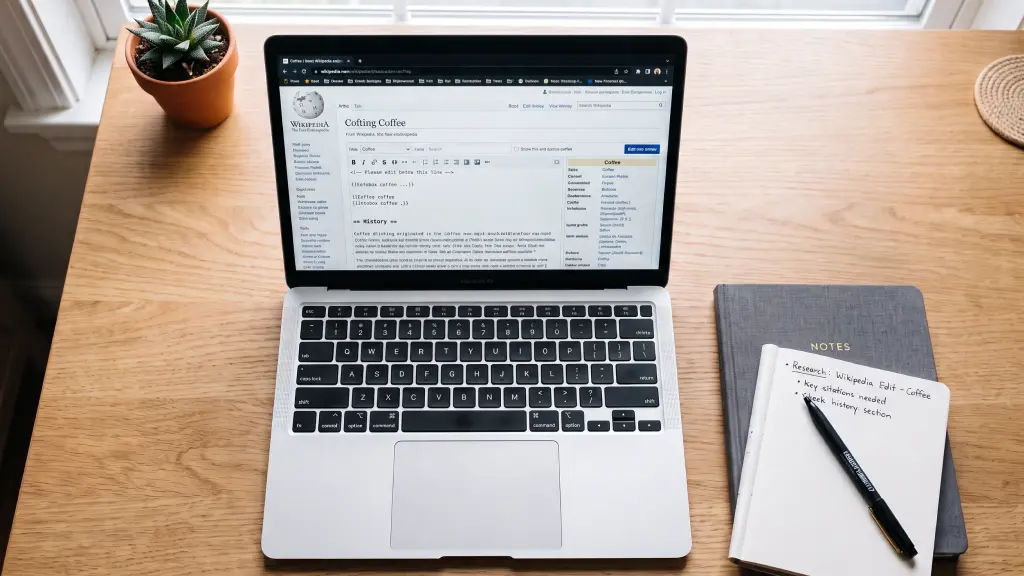
So you saw something wrong on Wikipedia and thought, can I just fix it?
Yep. You totally can.
I thought the same thing at first. Like, you need to be some kind of expert to edit Wikipedia, right? Nope. Anyone with a phone can do it. I fixed my first one in like 2 minutes while waiting for tea.
Let me show you how I do it so yours doesn’t get deleted.
Can Anyone Actually Edit Wikipedia?
Yeah, for real. That’s the whole idea.
But here’s the catch – there are real people behind it. Volunteers. They check edits all day. So if you add something fake or try to promote your own page, they will just undo it. Instantly.
If you are honest and you show where you got the info from, it stays. That’s it.
What You Need Before You Start
Honestly, not much.
First, make an account. You don’t have to, you can edit without it too. But trust me, just make one. Takes 30 seconds. When you have an account your edit looks less spammy.
Second, you need a source. Wikipedia is obsessed with sources. You can’t just write “I think this is true”. You need a real link. A news article, official site, a book – anything real.
And third, please don’t use it for ads. I saw people try to write “Best biryani in Dhaka – visit our shop”. Man, they got blocked in like 5 minutes. Keep it neutral.
How to Edit Wikipedia – The Actual Steps
Okay, main part. Phone or laptop, almost same thing.
If you’re on laptop – which is way easier tbh:


Go to the page you want to fix. On top, you’ll see ‘Edit’ and ‘Edit source’. Just hit Edit.
Now a big text box will open. Find the wrong line and just correct it. Like you do in Google Docs.
Important part – see the ‘Cite’ button? Click that and paste your source link. This is what saves your edit.
Down below there’s a small box that says ‘Edit summary’. Write something tiny like “fixed date” and click Publish changes. Done. You’re live.
On phone? A little tricky but works:
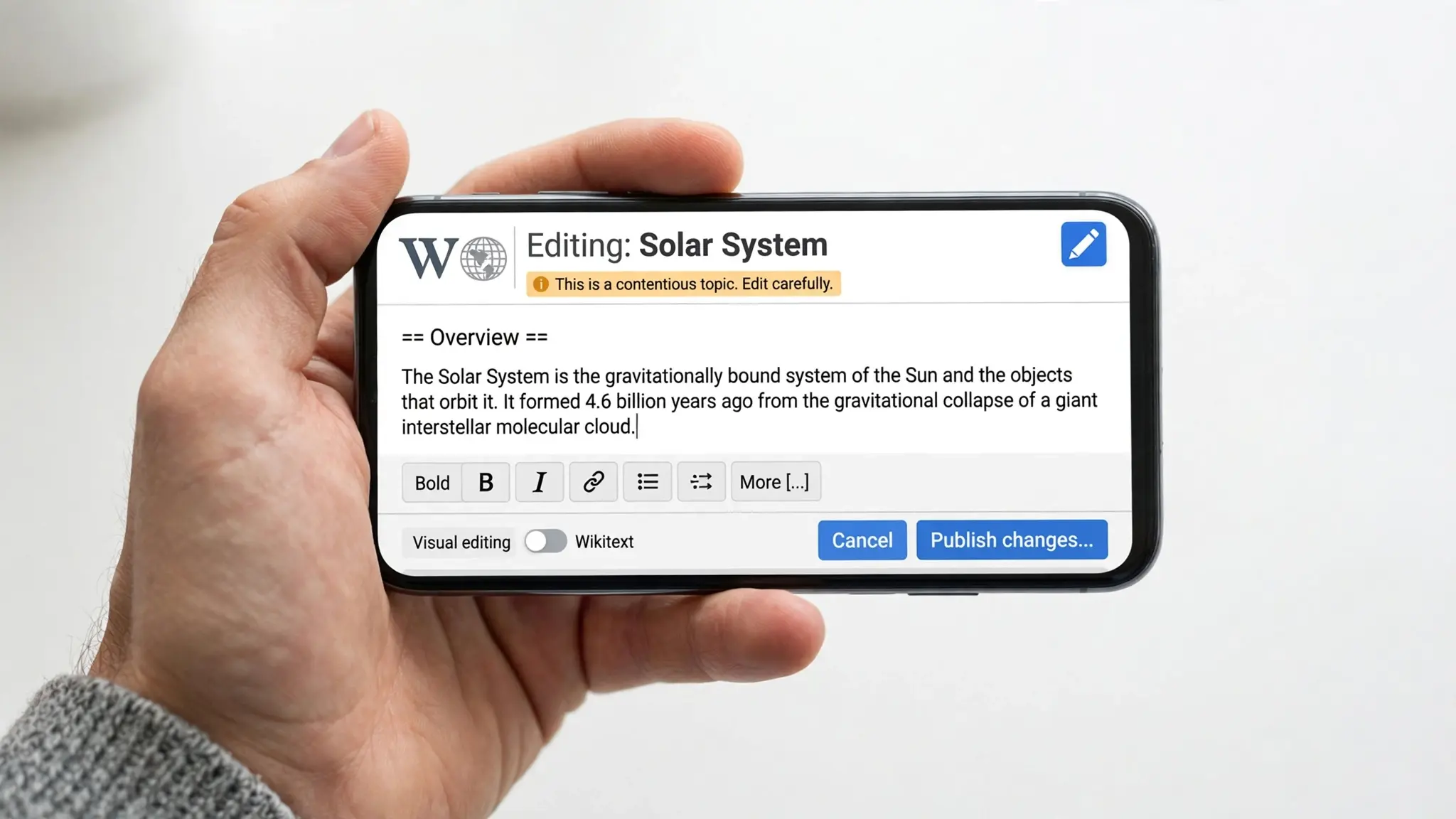
Open the article in Chrome. See that little pencil icon on top? Tap that. Yeah, that one.
Fix your line, add your source, hit publish. That’s literally it. Small screen makes it annoying but you get used to it.
What If You Want To Add A New Page?
Editing is easy. Making a new page… that’s a different game.
Wikipedia won’t let you create a page about anything. It has to be notable. Means big newspapers or magazines already wrote about it.
So first, search if the page exists. If not, you gotta use something called ‘Article Wizard’. You draft it there and someone reviews it. If they think it’s not important enough, they will say no. Happens to everyone, don’t take it personally.
Why Your Edit Keeps Getting Deleted

I learned this the hard way.
Number 1 –
No source. If you say “he’s the best singer” with no link, it’s gone. Always, always add a source.
Number 2 –
You sounded like an ad. “We provide the best service in Dhaka” – that’s Facebook post style, not Wikipedia. Just write facts. Plain and simple.
Number 3 –
Conflict. Don’t edit your own business or your friend’s profile. If you really have to, you have to tell them openly that you are connected. Otherwise, block.
So Yeah, Just Go For It
Look, learning how to edit Wikipedia isn’t rocket science. You find something wrong, you fix it, you prove it. Your first edit might get removed. Mine did too. Second one stayed.
So that wrong info you saw last week? Go fix it now. Takes two minutes only.