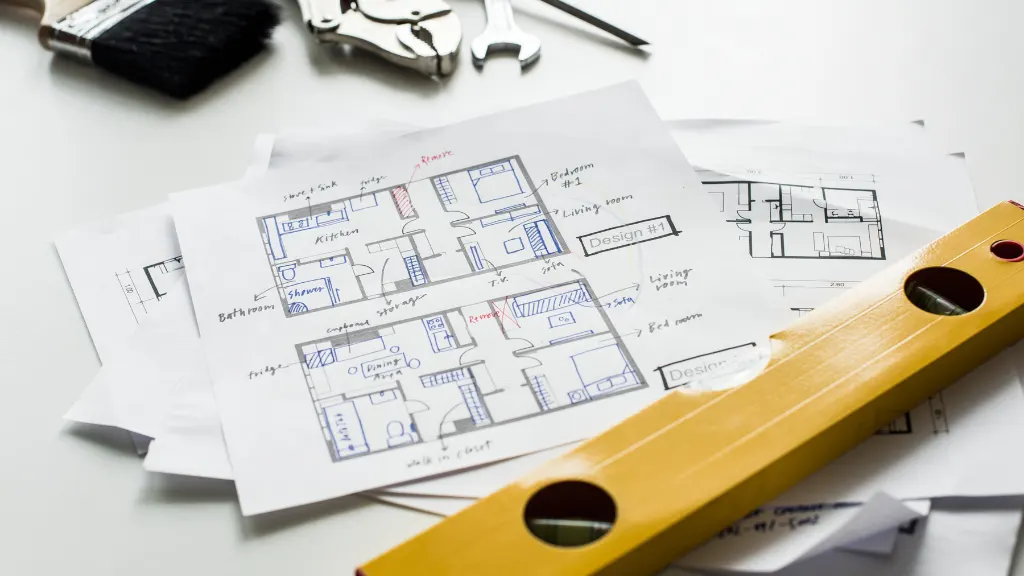
Creating a functional and attractive floor plan is one of the most important steps in any building project. Whether you’re designing a home, office, restaurant, or commercial property, understanding how to design a floor plan helps you maximize space, improve usability, and avoid costly mistakes.
A well-planned layout ensures that every room serves a purpose while maintaining comfort, efficiency, and visual appeal. Additionally, a professional floor plan provides a clear roadmap for architects, contractors, and property owners throughout the construction process.
In this guide, you’ll learn how to design a floor plan, the key factors to consider, common mistakes to avoid, and how AutoCAD services can help create accurate and professional layouts.
Why Learning How to Design a Floor Plan Matters
A floor plan acts as the foundation of any successful building design. Without a proper layout, even the most beautiful structure can feel cramped, inefficient, or difficult to navigate.
A carefully designed floor plan helps:
- Improve space utilization
- Enhance traffic flow
- Increase functionality
- Support future expansion
- Reduce construction errors
- Improve property value
Moreover, a good floor plan creates a better experience for everyone who uses the space.
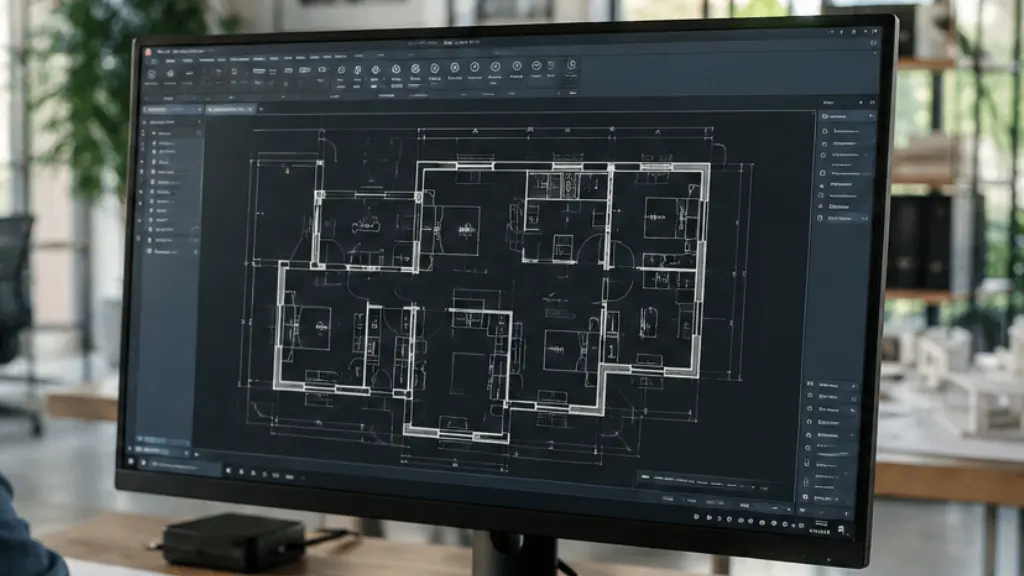
How to Design a Floor Plan Step by Step
Define Your Goals and Requirements
Before drawing walls or placing furniture, identify the purpose of the building.
Ask yourself:
- How many people will use the space?
- What activities will take place there?
- Are there future expansion plans?
- What special requirements exist?
For example, a family home requires different considerations than a restaurant or retail store.
Measure the Available Space
Accurate measurements form the foundation of every successful floor plan.
Record:
- Property dimensions
- Existing structures
- Window locations
- Door placements
- Utility connections
- Structural elements
Even small measurement errors can create significant problems during construction.
Organize Functional Zones
Next, divide the property into logical zones.
For residential spaces:
- Living areas
- Bedrooms
- Bathrooms
- Kitchen
- Storage
For commercial spaces:
- Customer areas
- Workspaces
- Meeting rooms
- Utility rooms
- Storage areas
Organizing zones improves efficiency and flow.
How to design floor plans for house
Designing a house floor plan starts with understanding the needs and lifestyle of the people who will live in the home. Begin by determining the number of bedrooms, bathrooms, and common living areas required. Next, measure the available building space and create a rough layout that organizes rooms efficiently. Place frequently used areas, such as the kitchen and living room, in convenient locations to improve daily functionality.
Additionally, consider natural lighting by positioning windows where they can maximize sunlight throughout the day. Plan clear traffic flow between rooms to ensure comfortable movement throughout the house. Include sufficient storage spaces, such as closets and utility areas, to keep the home organized. Furthermore, think about future needs, including family growth or changing lifestyle requirements. Review furniture placement to ensure each room provides adequate space and comfort. Finally, use professional drafting software like AutoCAD to create an accurate and construction-ready house floor plan.
How to Design Open Floor Plans
Designing an open floor plan starts with creating a spacious layout that connects key living areas while maintaining functionality and comfort. Begin by identifying which spaces should flow together, such as the kitchen, dining room, and living room. Instead of using walls, define different zones through furniture placement, flooring changes, or lighting design. Ensure there is a clear traffic path so people can move easily throughout the space.
Additionally, maximize natural light by minimizing barriers that block windows and sunlight. Choose furniture that complements the open layout without making the area feel crowded. Consider sightlines carefully so the space feels connected while maintaining visual balance. Furthermore, incorporate storage solutions to keep the open environment organized and clutter-free. Use consistent design elements, colors, and materials to create a cohesive appearance across all zones. A well-designed open floor plan enhances flexibility, encourages social interaction, and makes the entire space feel larger and more inviting.
How to Design a Living Room Floor Plan
Designing a living room floor plan begins with identifying the room’s primary purpose, whether it is for entertaining guests, family gatherings, relaxation, or a combination of activities. Start by measuring the room dimensions and noting the locations of doors, windows, and architectural features. Next, determine the focal point of the room, such as a television, fireplace, or large window view. Arrange seating around this focal point to create a comfortable and inviting conversation area.
Additionally, maintain clear walkways so people can move easily through the space without obstacles. Consider furniture size carefully to ensure it fits the room without making it feel crowded. Incorporate adequate lighting through a combination of natural light, ceiling fixtures, floor lamps, and table lamps. Furthermore, leave enough space between furniture pieces to improve comfort and functionality. Use rugs, shelving, and décor elements to define zones and enhance the room’s visual balance. A well-designed living room floor plan creates a welcoming atmosphere, improves usability, and supports both daily living and social interactions.
How to Design a Bathroom Floor Plan
Designing a bathroom floor plan starts with identifying the available space and determining the essential fixtures you need. Begin by positioning the toilet, sink, and shower or bathtub in locations that maximize comfort and functionality. Ensure there is enough clearance around each fixture to allow easy movement and meet building code requirements. Next, consider the plumbing layout, as placing fixtures near existing plumbing lines can help reduce installation costs.
Additionally, plan for proper ventilation to control moisture and improve air quality. Natural lighting can also enhance the bathroom’s appearance and create a more inviting atmosphere. Include storage solutions such as vanities, cabinets, or shelving to keep the space organized and clutter-free. Furthermore, think about accessibility features if the bathroom will serve people of different ages or mobility levels. Choose a layout that balances aesthetics with practical daily use. A well-designed bathroom floor plan improves comfort, functionality, and the overall value of the property.
How to Design a Basement Floor Plan
Designing a basement floor plan starts with determining how you want to use the space, whether as a family room, home office, gym, guest suite, or entertainment area. Begin by measuring the basement accurately and identifying structural elements such as support columns, utility lines, and stair locations. Next, divide the space into functional zones that support your intended activities while maintaining an open and comfortable layout. Since basements often receive limited natural light, plan for adequate artificial lighting to create a bright and welcoming environment.
Additionally, include proper ventilation and moisture control solutions to improve comfort and protect the space. Consider storage needs and incorporate closets, shelving, or utility rooms where appropriate. If the basement will include a bathroom or kitchenette, account for plumbing requirements during the planning stage. Furthermore, ensure clear traffic flow between different areas to maximize usability. Follow local building codes, especially regarding ceiling height, emergency exits, and safety requirements. A well-designed basement floor plan can significantly increase usable living space and add value to the property.
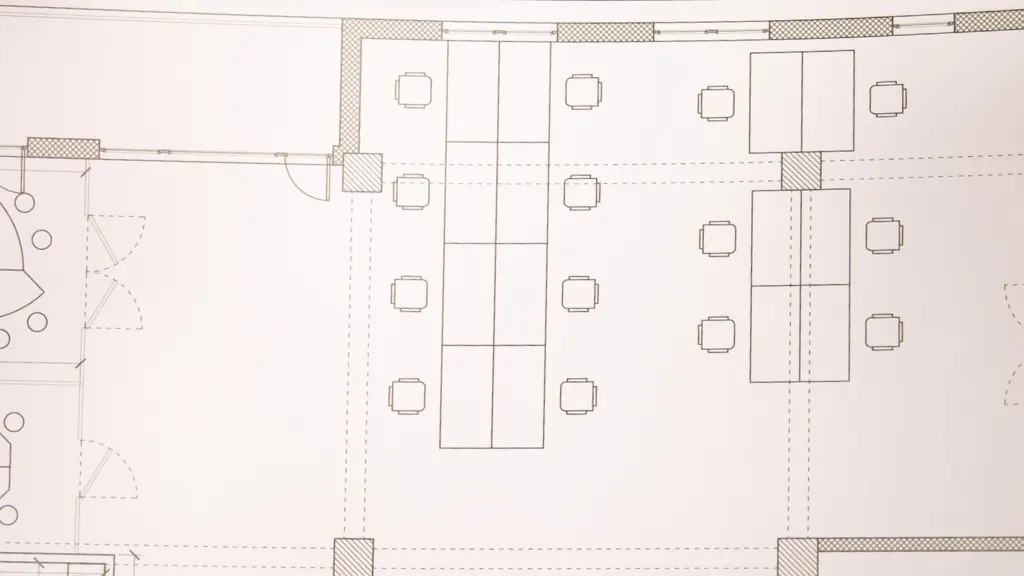
How to Design a Restaurant Floor Plan
Designing a restaurant floor plan starts with understanding the type of dining experience you want to offer and the expected customer capacity. First, allocate enough space for the dining area while maintaining comfortable seating arrangements and clear pathways for guests and staff. Next, position the kitchen strategically to support efficient food preparation and service flow. Ensure that servers can move easily between the kitchen, dining area, and service stations without causing congestion.
Additionally, plan dedicated spaces for waiting areas, restrooms, storage rooms, and payment counters. Consider local building codes, safety regulations, and accessibility requirements when arranging the layout. Natural lighting, ventilation, and acoustics also play important roles in creating a pleasant dining environment. Furthermore, optimize table placement to maximize seating capacity without sacrificing customer comfort. Use professional drafting software such as AutoCAD to create accurate and scalable restaurant floor plans. A well-designed restaurant floor plan improves operational efficiency, enhances customer satisfaction, and supports long-term business success.
How to Create a Floor Plan for Interior Designers
Creating a floor plan for interior designers begins with obtaining accurate measurements of the space, including room dimensions, doors, windows, and structural elements. Start by outlining the basic layout to establish the foundation for the design process. Next, identify the purpose of each room and determine how the space will be used by the occupants. Include furniture placement in the floor plan to help visualize functionality, traffic flow, and space utilization.
Additionally, consider natural lighting sources and how they will affect furniture arrangement and interior décor choices. Mark electrical outlets, lighting fixtures, and other important design elements that influence the final interior layout. Ensure there is enough clearance around furniture and walkways to maintain comfort and accessibility.
Furthermore, use consistent scale and dimensions so the floor plan remains accurate and easy to interpret. Professional software such as AutoCAD can help create detailed and precise floor plans for interior design projects. A well-prepared floor plan allows interior designers to develop attractive, functional, and efficient spaces that meet client needs.
Common Challenges When Designing Floor Plans
Many people start drawing rooms without first considering how the entire space will function. As a result, they often face problems later during construction or occupancy.
Some common challenges include:
- Poor room placement
- Wasted square footage
- Inadequate storage
- Limited natural lighting
- Awkward traffic flow
- Oversized or undersized rooms
- Difficult furniture arrangements
Fortunately, proper planning can help prevent these issues.
Why AutoCAD Is the Best Tool for Floor Plan Design
Professional designers rely on AutoCAD because it offers precision, flexibility, and industry-standard documentation.
Benefits include:
- Accurate measurements
- Easy revisions
- Professional drawings
- Construction-ready plans
- Better collaboration
Professional AutoCAD drafting helps eliminate costly errors before construction begins.
Conclusion
Understanding how to design a floor plan is essential for creating functional, attractive, and efficient spaces. Whether you’re planning a home, basement, restaurant, or commercial property, thoughtful design decisions can improve usability and reduce costly mistakes.
While basic planning can help you get started, professional AutoCAD drafting ensures accuracy and long-term success. Investing in a professionally designed floor plan helps bring your vision to life while supporting smoother construction and better results.