So you want a second Facebook profile. Maybe you’re tired of mixing family photos with client messages. Maybe you’re running a small shop and need one account just for that. Either way — good news. Learning how to open another account on Facebook takes maybe ten minutes, and you don’t need to know anything technical to pull it off.
Here’s what we’ll cover: why people bother creating a second profile in the first place, the exact steps to set one up, and a few things to watch out for so Facebook doesn’t flag your new account before it even gets going. Let’s get into it.
What Is a Second Account?
Simple enough — it’s another profile, tied to a different name or email, sitting completely separate from your main one. Its own friends list. Its own timeline. Its own privacy settings, totally unconnected to your first account. Some people set one up to keep work off their personal feed. Others just want a clean page for a business without their cousin’s birthday posts showing up next to product photos.
And no, Facebook isn’t against this. You can have more than one account, as long as each one belongs to an actual person and doesn’t break their community standards. We’ll get back to that rule a bit later, because it matters more than people realize.
Why Open Another Account
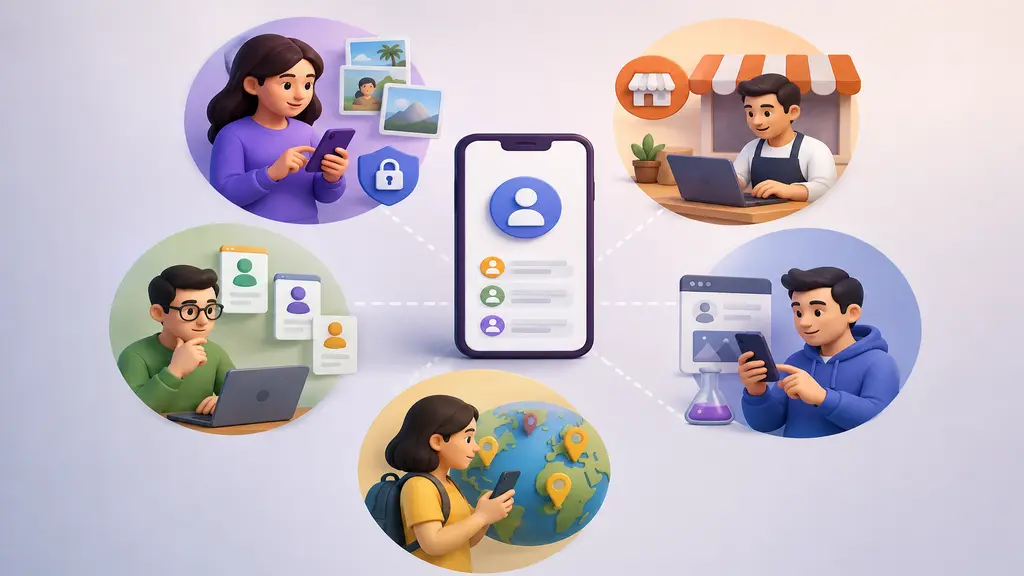
Honestly, there’s a handful of legit reasons people do this. A few of the big ones:
- Privacy separation — keeping personal photos away from coworkers, clients, or that one nosy relative.
- Business management — running a shop or brand page without your work notifications drowning out everything else.
- Multiple roles — juggling pages for different projects or clients from a single phone.
- Testing purposes — marketers and developers often need a spare profile to test ads or new features before going live with the real thing.
- Region or language-based use — some folks keep a separate account just to interact with a different local community.
None of that breaks any rules. As long as the account is real and you’re not using it to spam people, you’re fine.
Steps to Open the Account
Alright, here’s the part you actually clicked for. Below is exactly how to open another account on Facebook without touching your existing one.
Log Out First
Facebook typically wants you logged out before it lets you sign up again. Don’t feel like logging out? Just open a private or incognito window instead — or grab a different browser altogether. Either trick works fine.
Go to Sign-Up Page
Head to facebook.com and hit “Create New Account.” On your phone, tap the menu icon first, then find “Create New Account” in the list.
Fill In Your Details
You’ll be asked for a few things:
- Full name — real name, or whatever name you’re using for this account
- A fresh email or phone number — can’t reuse one that’s already tied to your first profile
- Date of birth
- Gender
- A new password
Don’t have a spare email lying around? Just make a quick one through Gmail or Outlook first. Takes two minutes.
Verify Your Account
Facebook sends a code to whatever email or number you gave them. Type it in — this confirms you’re an actual human, not a bot farm. Don’t skip this part. Accounts that skip verification tend to get flagged fast.
Set Up Your Profile
Add a photo, write a quick bio, and lock down your privacy settings right away — don’t wait. New profiles left wide open tend to attract random friend requests almost immediately.
Switch Between Accounts
Once the new account’s live, Facebook lets you add it right into your existing app, so switching back and forth doesn’t mean logging out every time. On mobile: tap your profile icon, scroll down, hit “Add Profile.” On desktop: click your profile picture up top and look for “Switch Profiles,” if it’s available where you are.

Managing Accounts Safely
Two accounts isn’t a problem on its own — it’s how you manage them that matters. A few things worth keeping in mind:
- Use different login details for each. Reusing the same email-password combo across both is asking for trouble.
- Don’t switch too fast from one device. Rapid logins and logouts from the same IP can trip Facebook’s security checks.
- Skip the bots. Facebook’s pretty good at spotting scripted, non-human behavior, and it’ll shut those accounts down.
- Act like a real person. Post and comment the way you normally would — sudden bursts of activity look off to their system.
- Turn on two-factor authentication for both accounts. Extra step, but worth it.
Facebook’s Account Rules
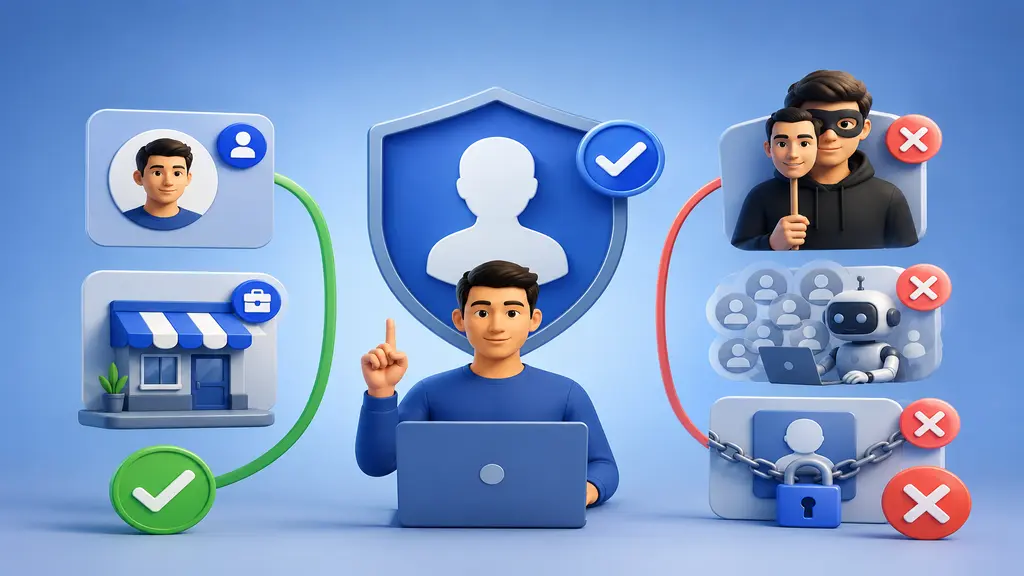
Officially, Facebook wants one personal account per person. That said, they’ll allow a second one if it’s clearly for business, a brand, or a public figure — basically, as long as you’re upfront about what it’s for. What gets you in trouble is faking an identity, pretending to be someone else, or building accounts purely to spam or game the system.
If Facebook thinks an account isn’t real, they might ask for ID or lock it temporarily until things check out. So keep your info accurate. Nothing that even resembles impersonation.

Mistakes to Avoid
Most people who run into trouble here just moved too fast. A few common slip-ups:
- Reusing the same phone number. Facebook will reject the second sign-up outright.
- Skipping verification. Unverified profiles get restricted way sooner.
- Copying your original profile’s name exactly. Tends to trigger a manual review.
- Adding a ton of friends right away. Dozens of requests within hours? That’ll get a new account temporarily blocked.
- Ignoring privacy settings. A fully public new profile is basically an open invitation for spam requests.
Slow down for the first week or two. Let the account build up some natural trust before you start using it heavily — same as any real profile would.
Conclusion
None of this is really complicated once you’ve done it once. Log out (or go incognito), sign up with a fresh email or number, verify yourself, and lock in your privacy from day one. Whether you’re keeping work separate from personal life or just running a business page, doing it properly keeps both accounts intact for the long haul.
Not sure about a step? Just go slow. Treat the new account the way you treated your first — real activity, honest info, and let it grow naturally over time.