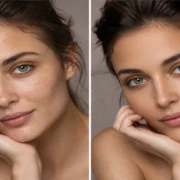

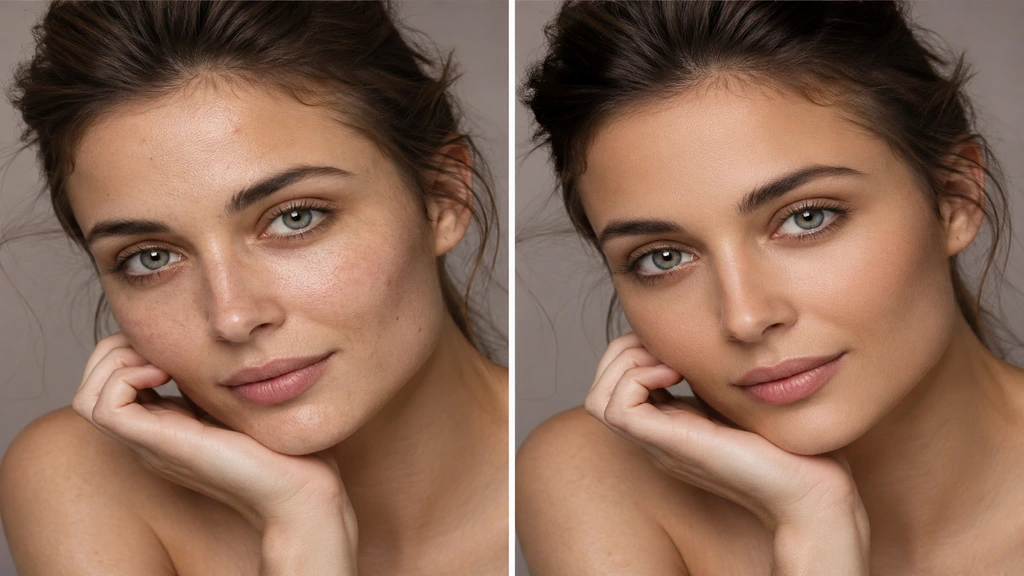
In the modern digital landscape, images serve a critical function in communication, branding, and the construction of personal identity. From social media and professional portfolios to e-commerce and wedding photography, there is a strong demand for high-quality, visually striking images. Nevertheless, unprocessed photos frequently exhibit minor flaws like blemishes, inconsistent skin tones, or lighting problems. This is precisely when an online skin retouching service proves indispensable. Using advanced tools like Adobe Photoshop, ordinary photos can be transformed into clean, natural, and professional-looking portraits without losing authenticity.
Why Photoshop is Essential for Skin Retouching
Photoshop is not just a simple editing tool—it is a professional-grade software used worldwide for high-end photo retouching. It provides complete control over every detail of an image.
Preserving Natural Skin Texture: Using advanced techniques like frequency separation, Photoshop allows us to remove skin imperfections while keeping the natural texture intact.
Non-Destructive Editing: Photoshop works with layers, meaning the original image is never permanently altered. Any changes can be adjusted or reversed anytime.
Precise Color and Tone Control: Skin tone, brightness, shadows, and contrast can be finely tuned to achieve a balanced and natural look.
Professional-Level Output: Photoshop delivers studio-quality results, making images suitable for commercial use, modeling portfolios, and branding purposes.
How Our Online Skin Retouching Service Works
Our digital skin retouching service is built to deliver a seamless, effortless, and entirely hassle-free experience for our clients. The process begins once a client uploads their images and outlines their needs. Upon receiving the photos, our professional editors meticulously examine each image to assess the skin condition, lighting, and overall composition.
Following the analysis, we initiate the editing phase using Adobe Photoshop. At this stage, our priority is to address skin concerns like acne, blemishes, wrinkles, and texture irregularities while ensuring the final result remains natural and lifelike. We also fine-tune skin tone, brightness, and color balance to improve the overall look while keeping the image natural.
In conclusion, we conduct a thorough quality review to guarantee that each image satisfies professional criteria. Once all elements are perfected, the final high-resolution images are handed over to the client within the agreed-upon timeframe.
Why Skin Retouching is Important
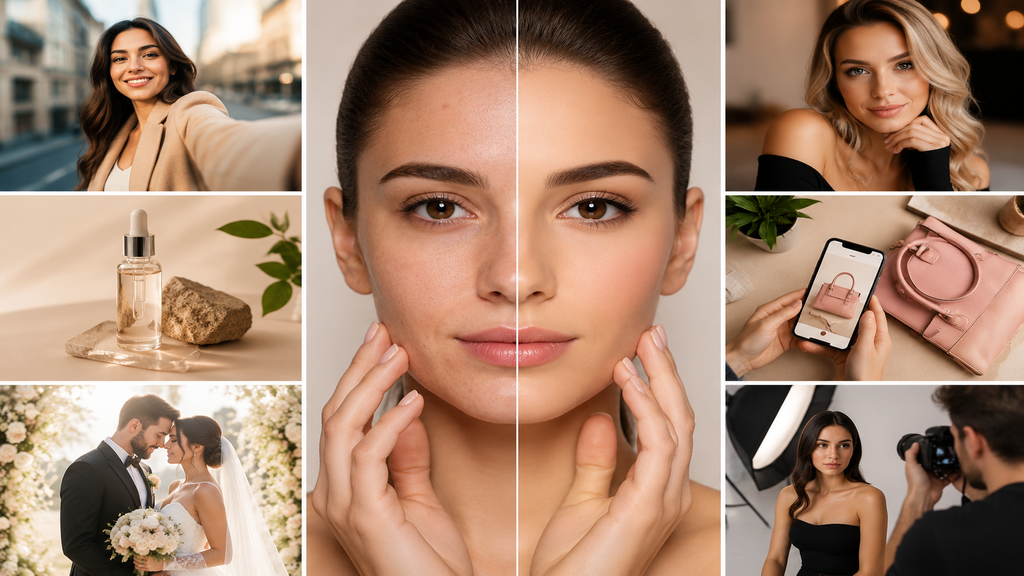
In the modern digital landscape, appearance matters a lot. Professional skin retouching is widely used for:
- Personal branding and influencer profiles
- Social media content
- E-commerce product photography
- Wedding and event photography
- Professional modeling portfolios
A well-edited photo creates a strong and positive first impression.
Photoshop Retouching vs Mobile Editing
In the realm of skin retouching, a distinct gap exists between Photoshop-based editing and mobile applications. Mobile editing applications are primarily built for rapid corrections and fundamental improvements. They frequently apply automatic filters that can render images appearing overly processed or artificial. Although they offer convenience, they fall short in terms of precision and professional oversight.
Conversely, Adobe Photoshop provides significantly more advanced editing capabilities. This capability enables editors to manually refine every minute aspect of the image, guaranteeing total authority over skin texture, tone, and illumination. While mobile apps differ in their approach, Photoshop preserves a natural and realistic appearance while delivering high-end professional results.
Due to its sophisticated toolset and adaptability, Photoshop is extensively employed in commercial photography, fashion shoots, and professional portrait retouching, all of which demand exceptional quality and realism.
Conclusion
Skin retouching has evolved into a fundamental component of contemporary photography and digital branding. The focus has shifted from altering one’s look to professionally enhancing natural beauty. Our online skin retouching service leverages sophisticated Adobe Photoshop methods to produce high-quality, natural, and polished images that satisfy professional criteria. To achieve a clean, confident, and professional look for your photos, Photoshop-based skin retouching is the ideal solution.