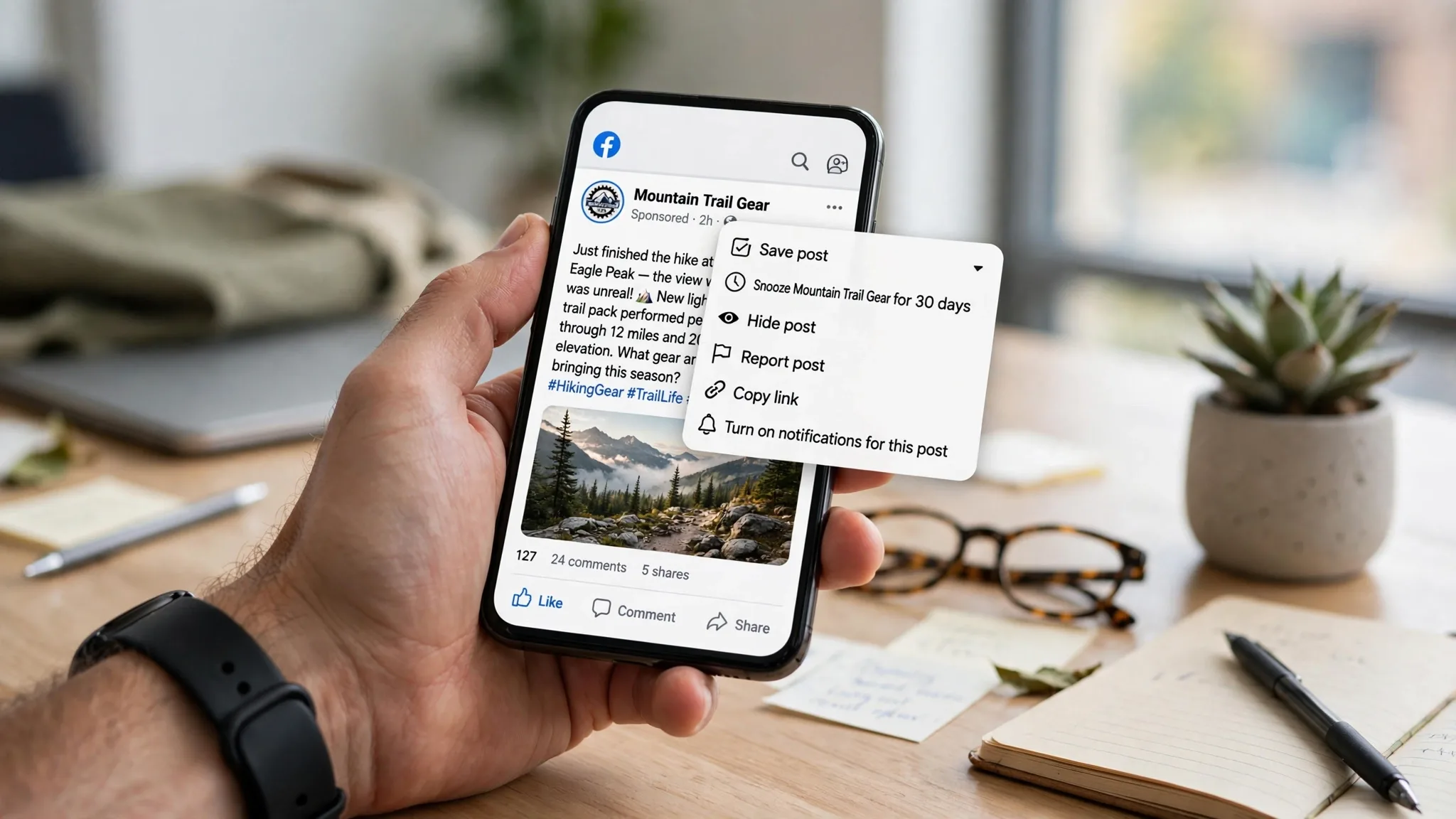
I will tell you what happened yesterday actually. I took a photo inside Target, on 5th Avenue in New York, right next to Bryant Park. I was with my friend Sarah. I typed the caption so fast while I was in line for my latte. Like, really fast. When I got back to my apartment later, I opened Facebook and oh man… I wrote “Targat” instead of Target. And you know what, 12 people already liked it. One of my friends commented “haha enjoy”.
I did not want to delete it. If I delete, everything goes away. All the reactions, the comment. So I thought, let me just fix it. How do I edit a facebook post? I have done it before but I forgot the steps for a second.
How Do I Edit a Facebook Post?
And I am writing this blog because I know I am not the only one. My inbox is full with this question. People ask me, how to edit a facebook post after you post it? Good news is, you can. And you can keep all your likes and comments. Facebook does not delete anything. It just shows a small Edited mark. That is it.
Let me show you how I do it, step by step, with my phone and also with my laptop.
So here is how you do it
Before anything, just remember one thing. You can only edit a facebook post that you posted. You can not edit someone else’s post. Like if your friend posted something, you can not edit that. You can edit your own post on your profile, or on your page, or in a group if you are the one who posted.
Okay so now let’s come to the main part.
On your phone

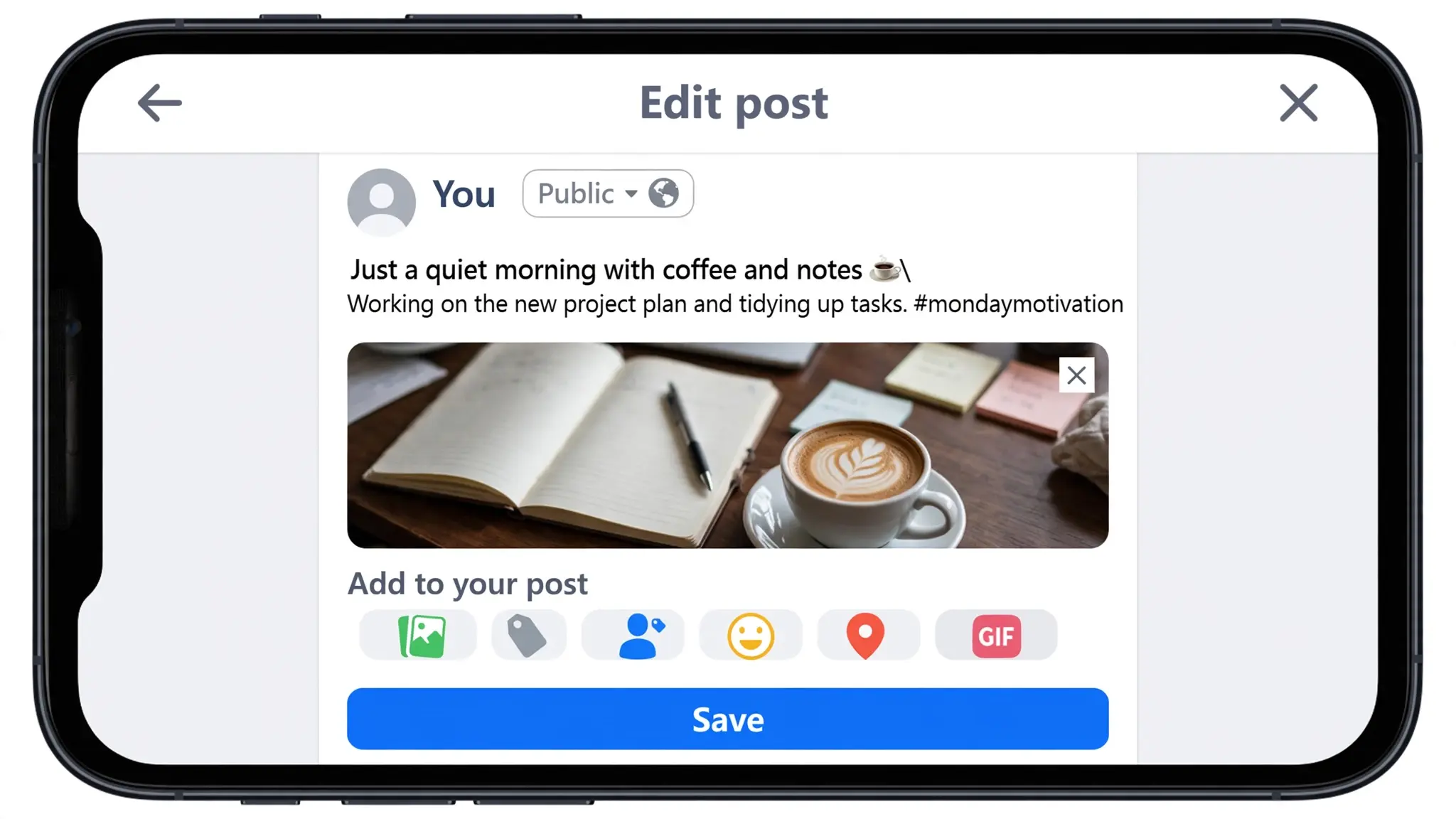
Most of us use phone, right? So I am starting with phone.
- First you open Facebook app.
- Then go to your profile. Tap on your picture, you will see your profile.
- Now scroll and find the post. Sometimes you need to scroll a lot if it is an old post. I sometimes go to my activity log to find old posts faster.
- When you find the post, look at the top right corner. There is three dots … small dots. Tap there.
- A menu will open from bottom. You will see :
– Pin post,
– Save post,
– Delete post, many things.
In that list you will see Edit post. Yes, that is the one. - Tap on Edit post. Now your caption will open. You can now fix it. You can add new line, remove something, fix spelling.
After you are done, you will see Save button on top right. Tap Save. And done. Really done.
I edit a facebook post like this almost every week. It takes maybe 7 or 8 seconds only.
One more small thing I want to tell you. After you edit, Facebook shows Edited. If someone taps on Edited, they can see what you wrote before. So it is not fully private. But honestly, no one really checks that. I never check.
On laptop
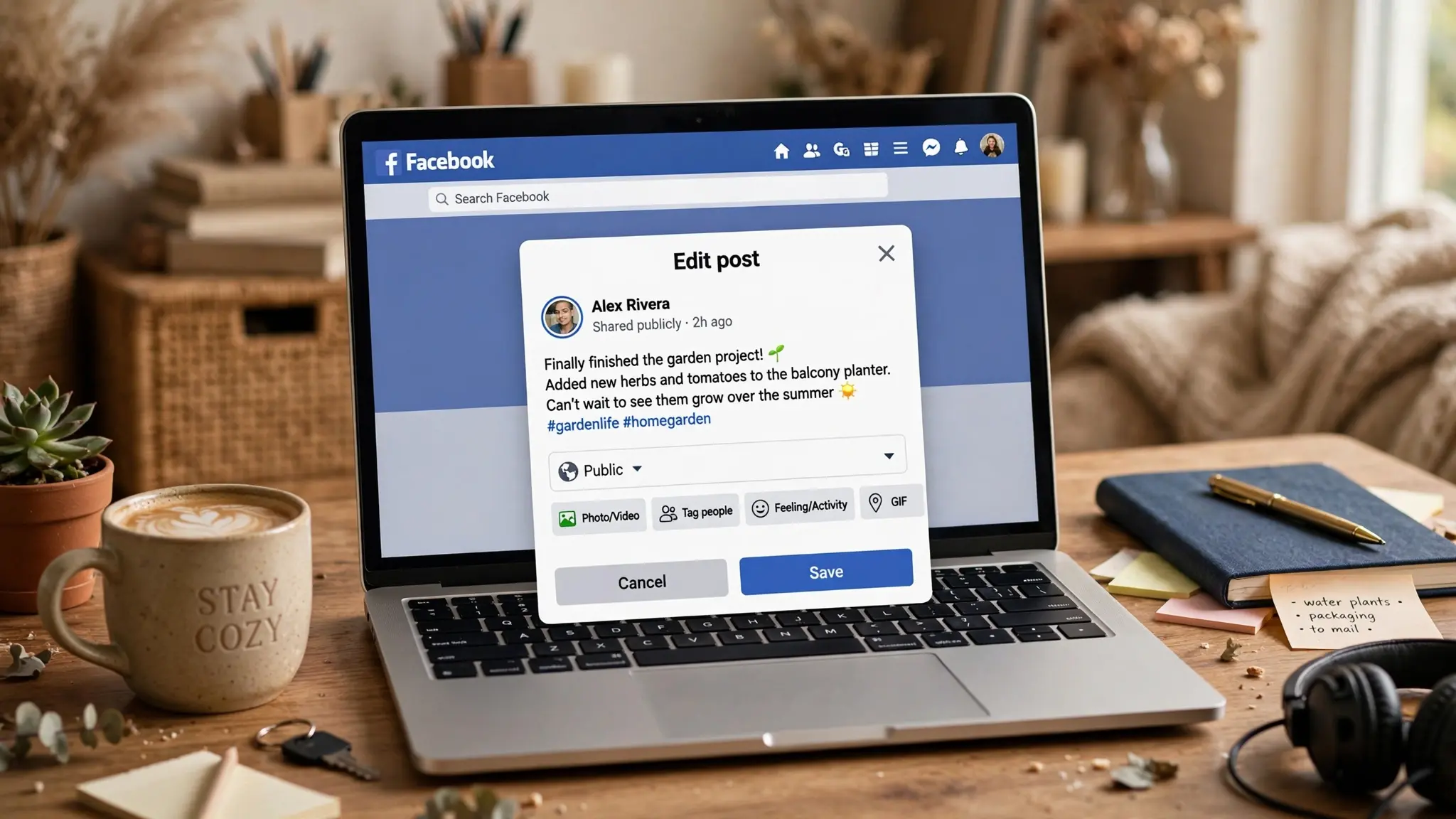
On laptop it is even more easy for me, because I can type fast.
- Go to facebook.com.
- Login and go to your profile.
- Find the post you want to change.
- On the top right of the post, same three dots, click.
- Click Edit post.
- Change your caption.
- Click Save.
That is all.
When you edit a facebook post from laptop, you can also add emoji quickly, add location, tag people. It is all there below the text box. I like to edit from laptop when the post is long.
Now one thing that confuses a lot of people
So after you edit, what actually happens? This part confuses a lot of people and I get this question a lot.
When you edit a facebook post, your likes stay. Comments stay. Shares stay. Nothing is gone. That is the best part. Why would you delete and lose everything when you can just edit?
Facebook will just show a small Edited word below your name. It does not tell your friends that you edited. No notification goes. So it is very quiet.
You can edit a facebook post as many times as you want. There is no limit. I edited one of my posts like three times last month because I kept adding info. First I wrote the price wrong, then I forgot the location, then I added phone number. Three times I edited, no problem.
And you can edit very old post too. Like post from 2020, 2021, you can still edit. You just need to find it.
One more thing. If someone shared your post, and then you edit your original post, their shared post will also show the new edited text. So if you change the full meaning after sharing, people might get confused. So I always try to fix quickly, before many people share.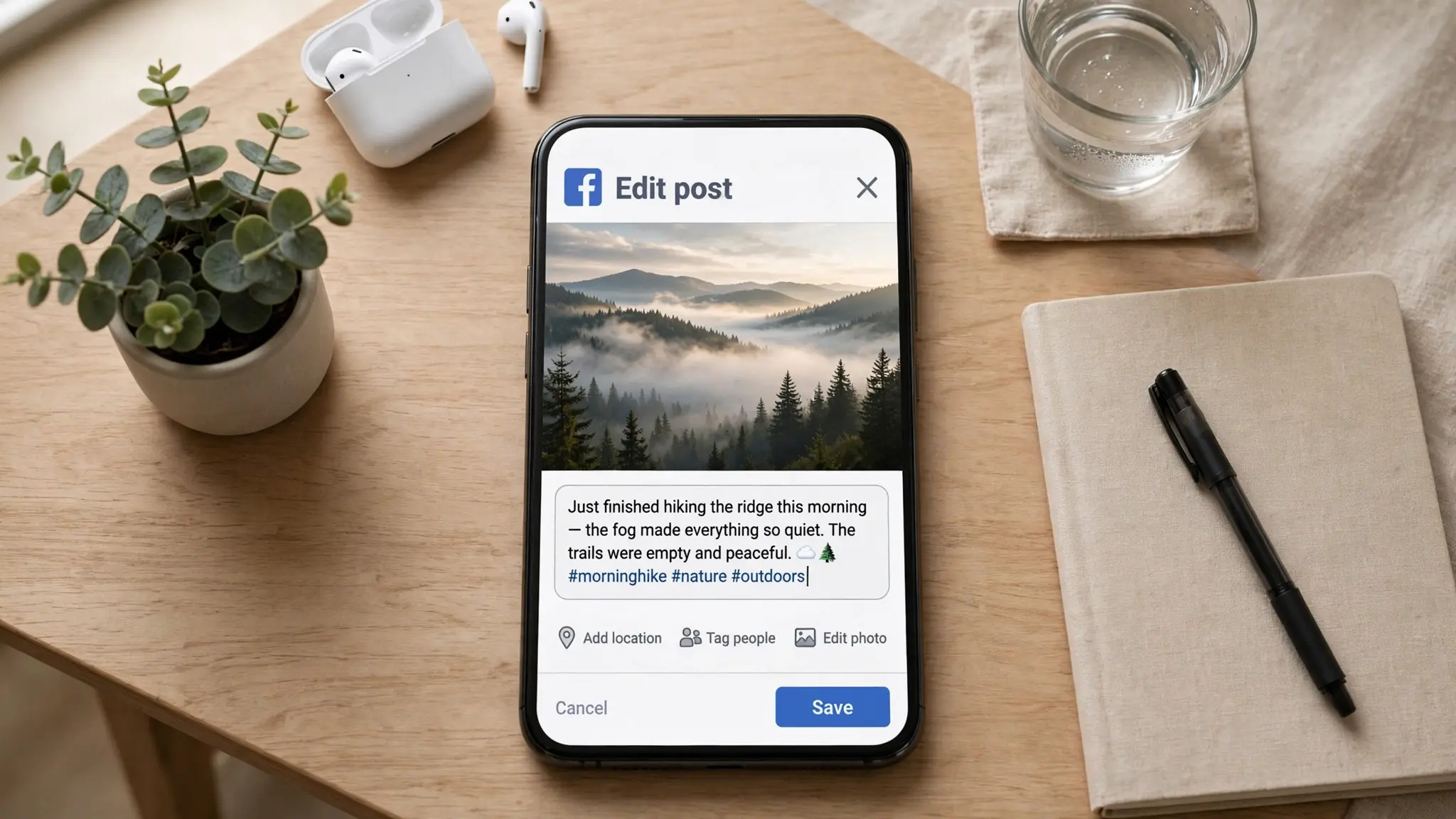
Can you change the photo?
Okay this one is important. Because everyone asks me this.
Can I change the photo after posting? I posted a wrong photo, can I change it?
So the answer is, no you can not.
I know it is sad but Facebook does not allow you to replace the photo. I tried many times. I searched on YouTube also. You can not replace the photo or video file.
What you can change is the caption. Only the text part. You can add more text, you can tag someone in photo, you can add location, but you can not change the main photo.
So what to do if you posted wrong photo? You have to delete the whole post and post again with the correct photo. That is the only way. But there is one small trick I use. You can add more photos to that post. Like if you posted one photo, you can edit and add a second photo. But you can not delete the first one. So the first one will stay.
Same for video. You can not replace video.
Sometimes you can not even find the Edit button. Why?

This happened with me two weeks ago. I was trying to edit a facebook post from my page. I clicked the three dots but there was no Edit option. I thought maybe Facebook changed something.
Then I found out there are some reasons why the Edit button does not show. There are some reasons behind it.
First reason :
You boosted that post. If you paid money to boost, Facebook locks it. You can not edit a facebook post that is running as an ad. You have to go to Ads Manager, stop the ad, then you can edit. This happens a lot with people who run business pages.
Second reason:
It is a poll. If you made a poll and people already voted, Facebook does not let you edit. Which makes sense actually. Because if you change the question after voting, it would be not fair. So they lock it.
Third reason :
It is just a bug. Facebook app has many bugs. Sometimes the button just disappears. What I do then is, I close the app fully and open again. Or I update the app. Or I try from Chrome browser. Most of the time it comes back.
Also, if you are in a Facebook group, sometimes admin turns off editing. Then you can not edit there.
So yeah, these are the reasons.
My suggestion is simple.
If you see a small mistake, do not delete. Just edit a facebook post. It saves time and you keep all your engagement. I do it all the time. We all make small mistakes while typing on phone, it is normal.
Hope this helped you.
Managing all your social profiles?
Check out our complete guide on How to Edit Your Instagram Bio to optimize your profile effortlessly.